Follow the steps below to register and provision your Casengine portal.
Step 1: Open the Registration Page
Navigate to the following URL:
https://clientregistration.casengine.app
Step 2: Enter Your Firm Domain
In the Firm placeholder, enter your desired domain name.
Example:
If you enter mylawfirm, your portal will be provisioned as:
https://mylawfirm.casengine.app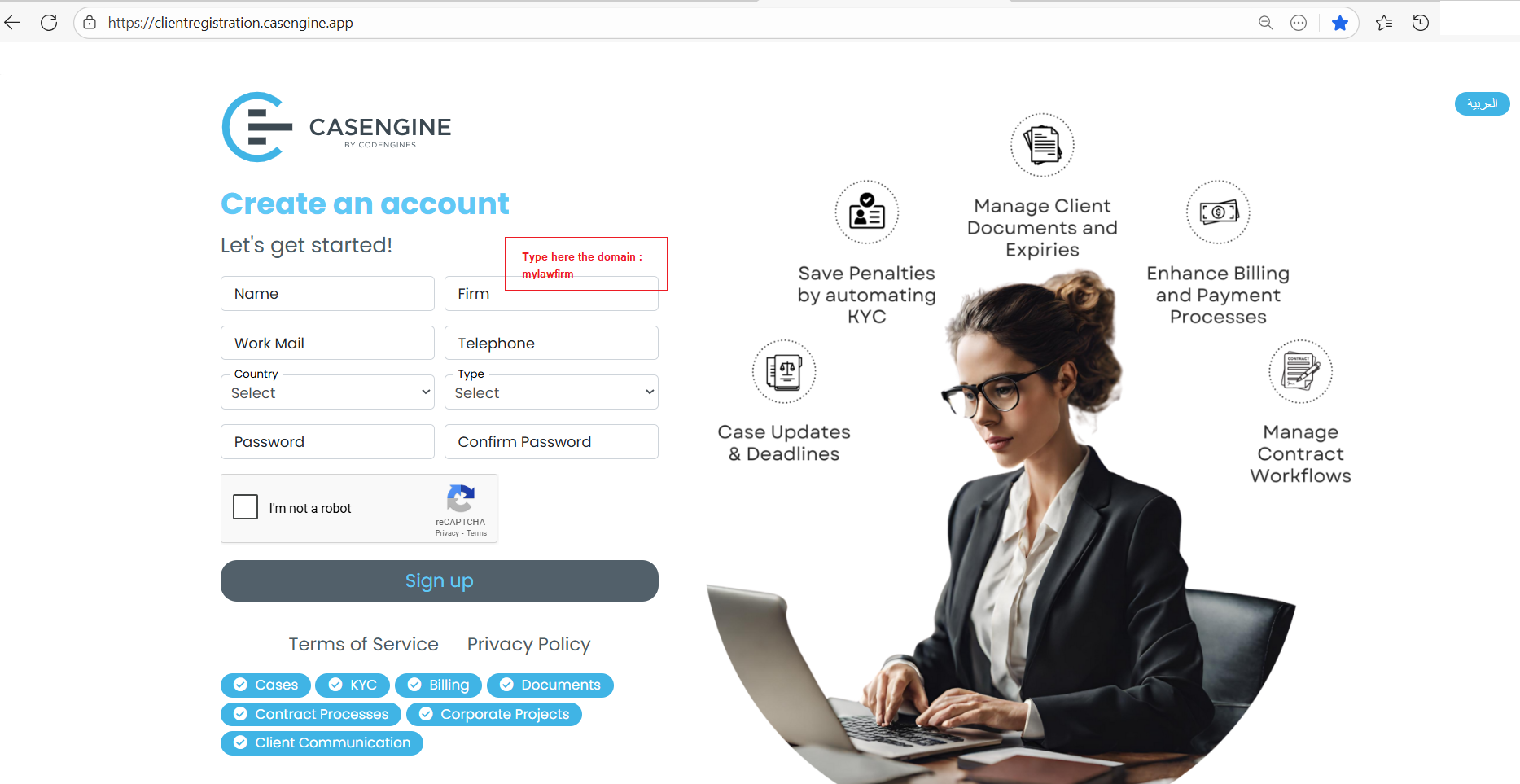
Step 3: Complete the Registration Form
Fill in all the required fields in the registration form and submit it.
After successful submission, an activation email will be sent to your registered email address.
Step 4: Activate Your Trial
Open the activation email and click on the Activate Trial button to continue with the portal provisioning process.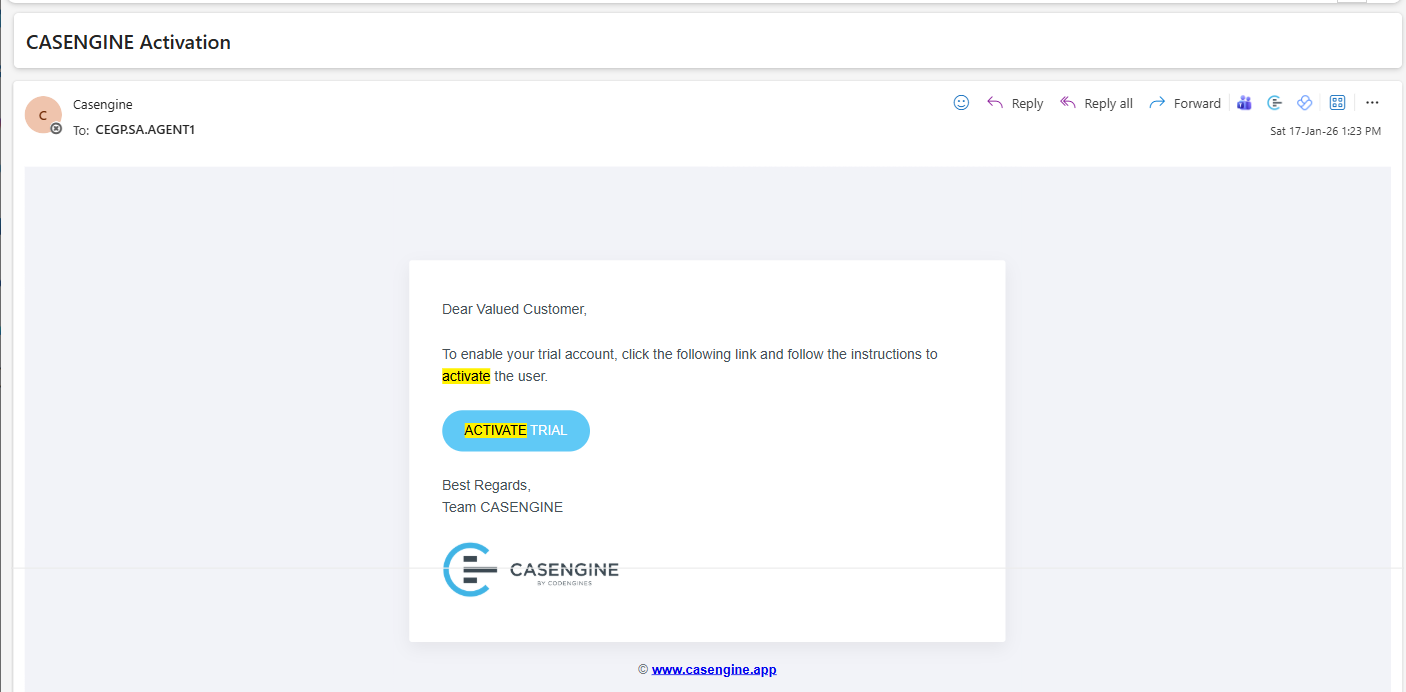
Step 5: Access Your Portal
Once the provisioning wizard is completed, you will be automatically redirected to the login page of your portal.
Example portal URL:
https://mylawfirm.casengine.app
✅ Your Casengine portal is now ready to use.
Was this article helpful?
That’s Great!
Thank you for your feedback
Sorry! We couldn't be helpful
Thank you for your feedback
Feedback sent
We appreciate your effort and will try to fix the article